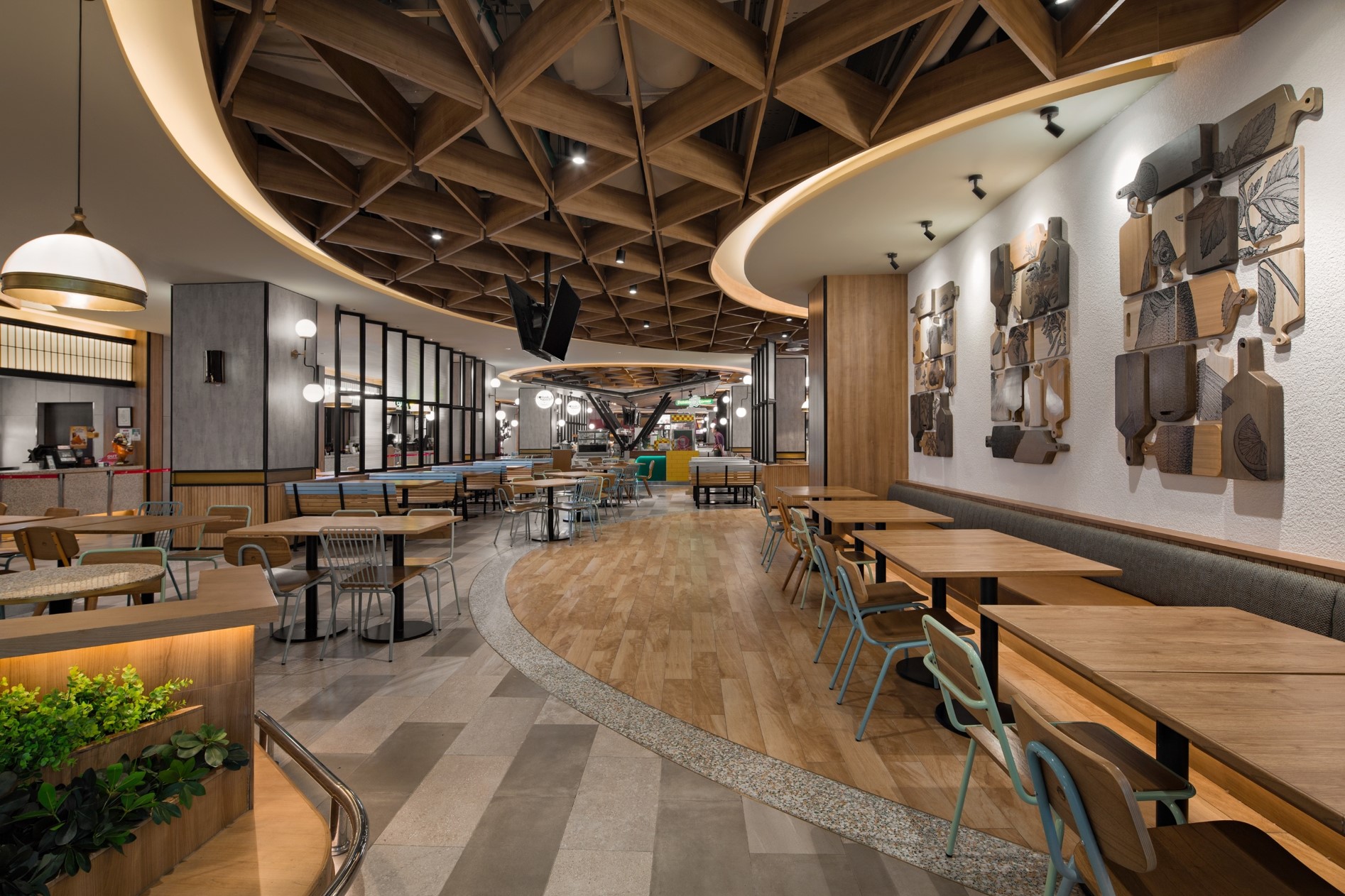
Design Calculators
Table of Contents
Calculator
Every calculator here is free with an ALTA Integra account, runs in your browser, and answers one early-project question in seconds.
This section collects twelve engineering tools ALTA Integra built for the back-of-envelope stage of a project, the point where a design team needs a defensible order of magnitude before commissioning a full acoustic, lighting or thermal model. Nothing is uploaded: each one computes locally, so no project data leaves the device. Between them they cover the four questions we are asked earliest and most often, in lighting, in sound, in room acoustics and in building envelope.
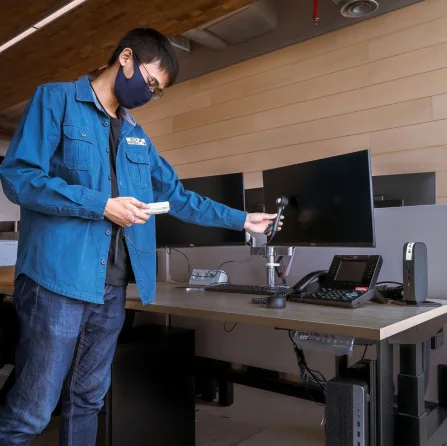
Lighting Calculators
The Lumen Method calculator estimates how many luminaires a room needs to reach a target maintained illuminance. It takes room geometry, surface reflectances, luminaire lumen output, a utilisation factor derived from the room index, and a maintenance factor, then returns a fixture count and a uniformity estimate. This is the same first-pass arithmetic our lighting designers run before opening a full photometric model.
The photometric calculator works the opposite way. It applies the point-by-point method, E = I·cos³θ / h², to find the illuminance a single fitting delivers to a single specified point, scaling intensity from an editable candela distribution. Whole-room average and single-point direct component are genuinely different questions: an average tells you nothing useful about accent, facade or sports lighting, which is why this calculator exists alongside the first.
Acoustic Calculators
The RT60 calculator predicts reverberation time per octave band using both the Sabine and the Eyring equation, drawn from a surface-material library, with an A/B compare and a printable report. Sabine is accurate in fairly live rooms; Eyring is the better estimate once average absorption is high, because Sabine over-predicts there. Seeing both at once is the point.
The room mode calculator maps the axial, tangential and oblique standing waves a rigid rectangular room will resonate at, using the Rayleigh equation, and reports the Schroeder frequency and a Bonello third-octave distribution test. Room modes are fixed by dimensions rather than finishes, so this calculator matters at the stage when dimensions can still change.
The PAG/NAG calculator compares potential acoustic gain with needed acoustic gain for a live sound system. If potential gain is lower than needed gain the system will ring before it is loud enough: a geometry problem that no equaliser fixes afterwards, and one far cheaper to catch on a drawing.
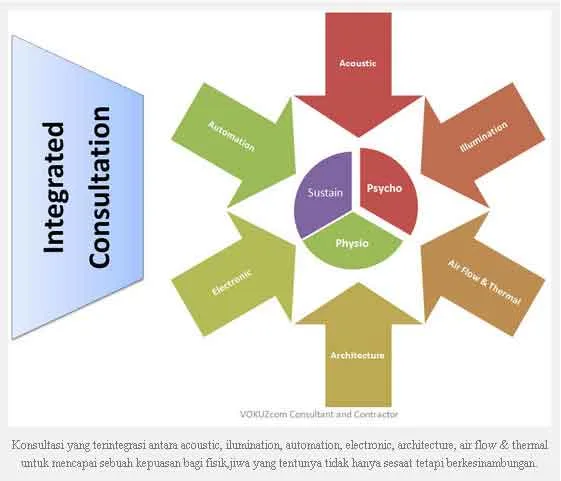
Building Envelope Calculators
The OTTV calculator models a shoebox building across four facades and returns area-weighted envelope heat gain in watts per square metre, against the 35 W/m² ceiling that SNI 6389:2020 sets. Window-to-wall ratio, glass selection and shading depth are the three levers it lets a design team test quickly, before a facade concept hardens into something expensive to unwind.
How Each Calculator Works
Every tool here implements a published method rather than a house rule, and the method is named on the page itself. The standards section lists the source document for each: ISO 3382 and the Sabine and Eyring formulations behind reverberation, SNI 6197 and EN 12464-1 behind the lighting criteria, SNI 6389 behind OTTV. Anyone can therefore check a result by hand, which is the intention.
Naming the method also makes the assumptions visible. The Sabine equation assumes sound energy is diffusely distributed and that absorption is spread evenly around the room: reasonable in a fairly live space, poor in a heavily treated one, which is exactly why Eyring is shown next to it. The Rayleigh equation behind the mode map assumes rigid, perfectly parallel boundaries, so a real room with a raked floor or an angled wall will behave better than the prediction. The point-by-point method returns only the direct component, ignoring inter-reflection, which understates illuminance in a small bright room and is close to exact outdoors.
None of that makes the arithmetic wrong. It makes it bounded, and knowing the bound is the difference between using a screening result well and being misled by it. Where an assumption is likely to break for a common case, the tool says so on screen rather than in small print.
Who These Are For
Architects sizing a ceiling void before the services coordination meeting. Project managers sanity-checking a supplier's fixture count against an independent figure. Contractors testing whether a proposed glass specification will survive an envelope review. Students learning where the numbers in a textbook actually come from. And our own engineers, who use the same tools for the first pass before opening a full model.
What none of these audiences should do is paste an output into a tender document. A screening figure carries no site survey, no flanking assessment, no product data and no signature, and presenting it as though it did is how a project inherits a number nobody can defend six months later.
What a Calculator Cannot Do
Each calculator assumes idealised geometry. None can see flanking transmission, existing services, site noise, daylight contribution or the way a room will really be occupied, and none produces a compliance submission. The terminology section defines every quantity these tools ask for, and the FAQ explains in more detail where a screening calculation stops being useful.
Related Work
For numbers that have to hold up in a tender or a handover dispute, our lighting design and acoustic consulting teams model and then measure them. See the project portfolio for the buildings this work has been done on, or talk to us about a specific project.